
Tracking & Progress Monitoring: Task Management Guide
Tracking & Progress Monitoring
Monitor task statuses (in progress, pending, completed) to stay always informed about team productivity. Tracking tools inside the Media SaleX platform give you a comprehensive and transparent view of internal workflows, helping eliminate clutter and distraction, prevent overlapping responsibilities among employees, and ensure the precise completion of all projects on time to boost organizational efficiency.
Benefits and Features of the Progress Tracking System
Clearly see the status of every task or deal at any time without continuous manual inquiries.
Real-Time ViewIdentify delayed or pending tasks to address causes and redistribute workload among the team.
Problem SolvingEvaluate task completion speed and smoothness for each team member and build true performance reports.
Performance AnalyticsReduce delivery delays by monitoring time indicators and ensuring commitment to specified dates.
Time ManagementPractical Steps Guide to Track Task Progress in the Platform
You can monitor and update task statuses within the Media SaleX platform through the following practical steps:
Tracking Board Interface
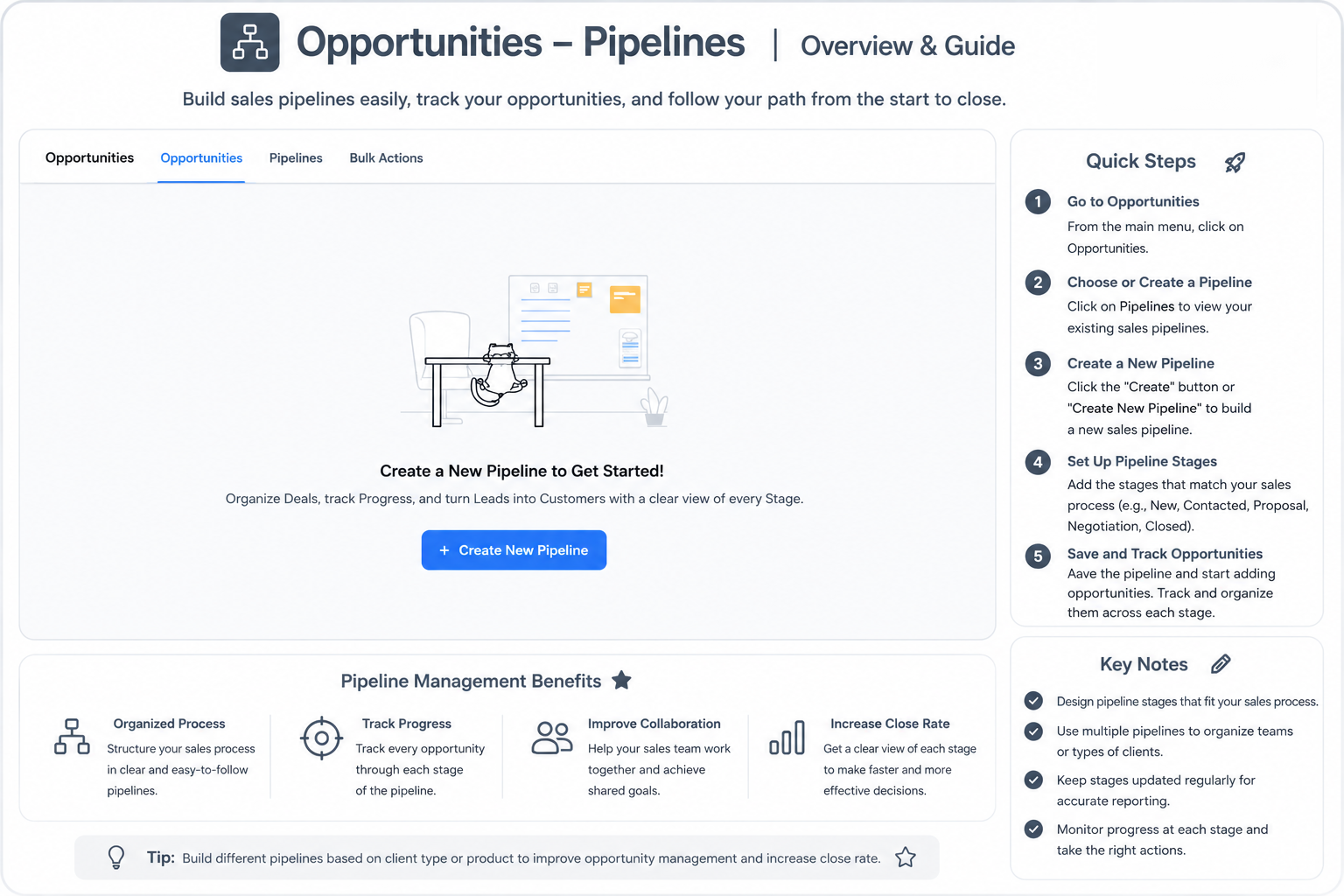
Explore the direct illustrative diagram for workflow columns and task statuses within the platform:
Best Practices and Frequently Asked Questions (FAQ)
Instruct team members to update the task status immediately upon a change to ensure real-time data reflection.
Yes, you can configure automated alerts to notify the manager when the due date passes without completion.
Certainly, “Completed” statuses are converted into statistical records to calculate weekly and monthly team completion rates.
It is always recommended to write the reason for holding inside the direct notes of the card so everyone knows why it paused.
Talk to Media SaleX AI Assistant
Do you want the AI assistant to help analyze your team’s productivity or provide practical tips to improve workflow and tracking? Talk to it now!
Talk to Media SaleX AI Assistant